
Guide
LangGraph interrupts: design a marketing review handoff
Keep draft versions, edits and approval decisions connected. Use LangGraph interrupts to design a review handoff that accounts for validation and node replay.
- Sources cited
- 1
- Sections
- 5
- Languages
- EN · 繁體 · 简体 · 日本語
Counted from the article file at build time, not asserted. Every claim below opens to one of these sources.
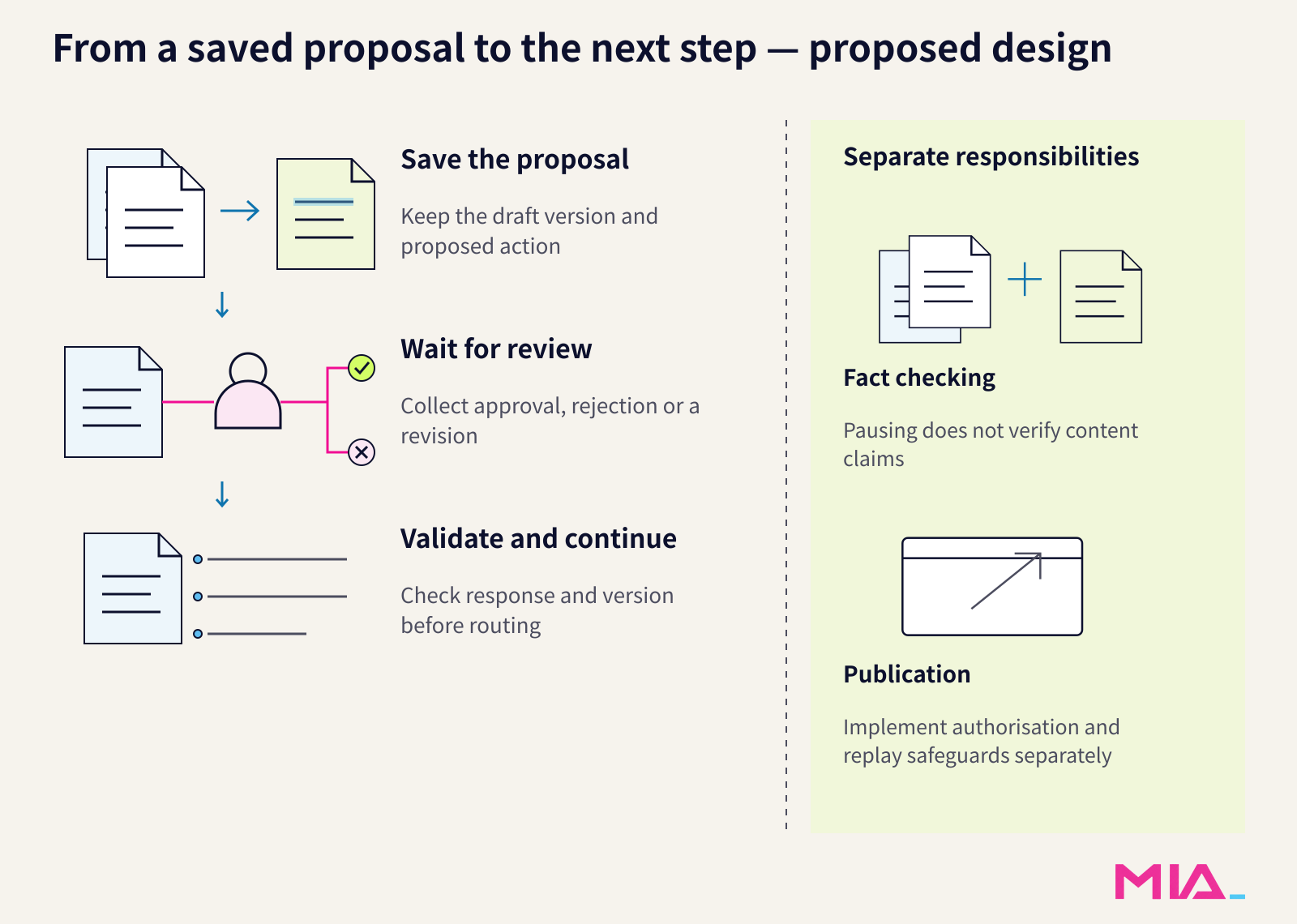
How can LangGraph interrupts support a marketing review handoff?
Before an AI-written campaign draft moves to another team, the reviewer needs to see the actual text and understand what approving it would allow. A button labelled “Approve” is not enough if the draft can change underneath it.
LangGraph provides graph execution with a documented pause-and-resume mechanism. Its interrupts documentation explains that an interrupt pauses execution for external input and saves graph state through a checkpointer. Production use calls for a durable checkpointer—a persistence component that retains workflow state. This provides a technical basis for waiting for a reviewer, not a ready-made marketing approval process.
The useful design principle is to connect three things: the version shown to the reviewer, the decision returned, and the version handed to the defined next step. The following design recommendations build on that mechanism.
Give the AI content approval workflow a reviewable draft
Save the original draft and proposed action before entering a dedicated review node, the unit of workflow execution that will wait for a decision. An interrupt can expose a JSON-serializable payload to the caller, and the documented review-and-edit pattern lets people inspect and modify model outputs or tool calls before continuing. JSON-serializable means the information can be represented as structured text, objects or lists.
For a campaign caption, that payload should identify the draft version and display its exact content, intended market, channel and proposed next step. Attach source links and mark unresolved claims rather than hiding them in a separate conversation. Name the responsible reviewer in the handoff record.
Use a short inspection checklist alongside the draft:
- Facts: Are product details, prices and campaign conditions supported and current?
- Brand fit: Does the wording follow the approved tone and positioning?
- Sources and reuse rights: Can the evidence be opened, and is the intended reuse permitted? A public page is not permission to republish its text or images.
- Wording: Are comparisons, superlatives and ambiguous promises justified?
- Final version: Does the decision identify exactly the content and proposed next step being approved?
These are checks for this proposed workflow, not built-in LangGraph marketing features.
Separate approval, rejection and revision
Ask for an explicit decision field—approve, reject or revise—plus the reviewed-version identifier, edited content where relevant, and a reason. Record who made the decision. Then validate application rules before routing onward: the reviewer must be authorised, the version must still match, and approval must not leave unresolved blocking claims.
Define each outcome separately. Approval hands the exact approved version to the agreed next step. Rejection cancels the proposal while keeping its record. Revision saves a new version and returns it for review; an edit must not silently count as approval.
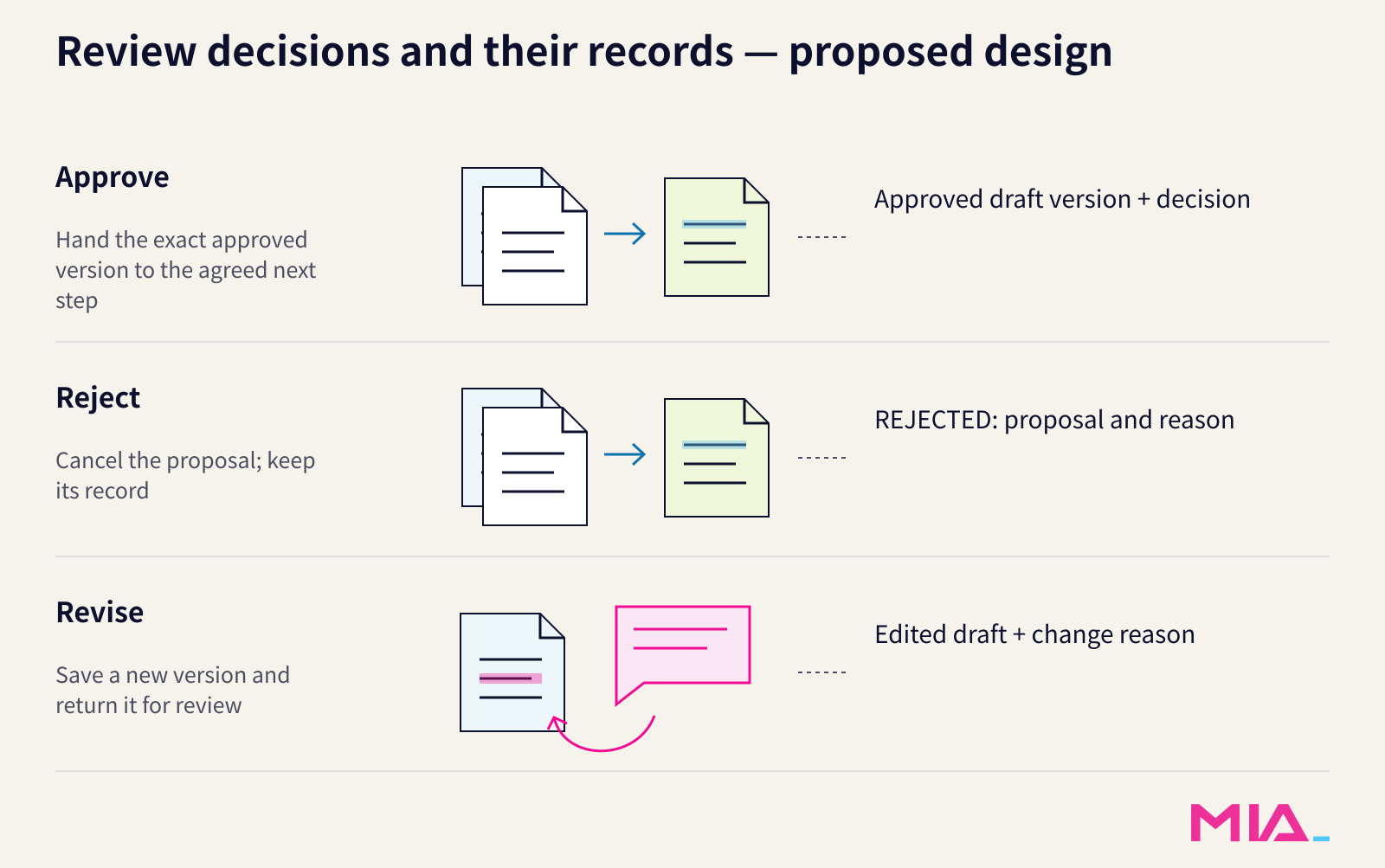
For a fictional example, suppose draft v1 says, “The best skincare choice for every customer.” With no evidence supporting that comparison or universal promise, the reviewer removes it and submits v2 as “Explore our skincare range.” The decision is revise, with the reason attached. V2 still needs inspection against the campaign brief; removing one unsupported claim does not approve the replacement.
MIA's Cowork review-checkpoint design describes inspectable handoffs and a step that waits for human review, revision or approval. That is relevant when deciding where your team should retain control. It is a separate product design, not evidence of a LangGraph integration; access, retention and deployment controls require confirmation for the deployment.
Validate the response, not just the displayed form
The documentation requires langgraph>=1.2.12 for interrupt response schemas. Supported typed schemas—Pydantic models, TypedDict from typing_extensions, or dataclasses—validate resume values under Pydantic validation and coercion rules. Invalid input raises pydantic.ValidationError and can be corrected and retried on the same thread.
A raw JSON Schema dictionary is exposed to the caller but does not make LangGraph validate resume values against it. Omitting response_schema also leaves those values without schema validation.
Even a valid typed response does not establish that a claim is true or that the reviewer approved the current version. Keep those content, authorisation and version checks in the application rules.
Account for node replay before moving work onward
Resume with Command(resume=...) using the same thread ID—the identifier for the interrupted workflow. The supplied response becomes the interrupt call's return value.
On resume, the interrupted node restarts from its beginning; code before interrupt() runs again. Do not regenerate the review draft or perform an external action before that interrupt and assume it will run only once. Prefer a review node that reads the saved proposal without changing it, and separately design safeguards for repeated writes or downstream actions. Pause and resume alone is not an exactly-once execution guarantee.
Before implementation, agree on the review record, the three decision outcomes and the replay-sensitive operations with the engineering team. The handoff is ready to build when everyone can identify which version a person reviewed and what that decision permits next—not merely when the interface displays an approval button.
More articles
Keep reading
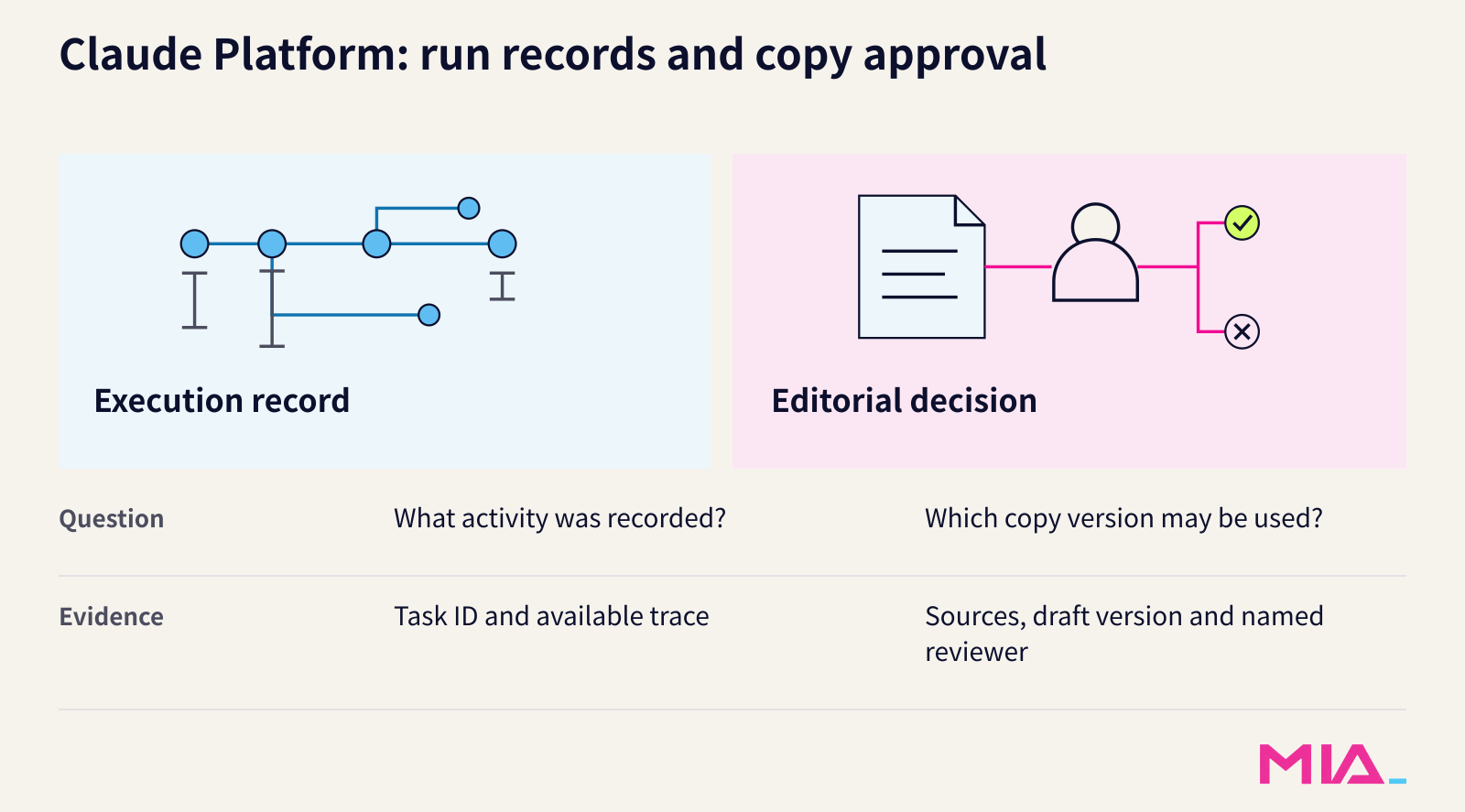
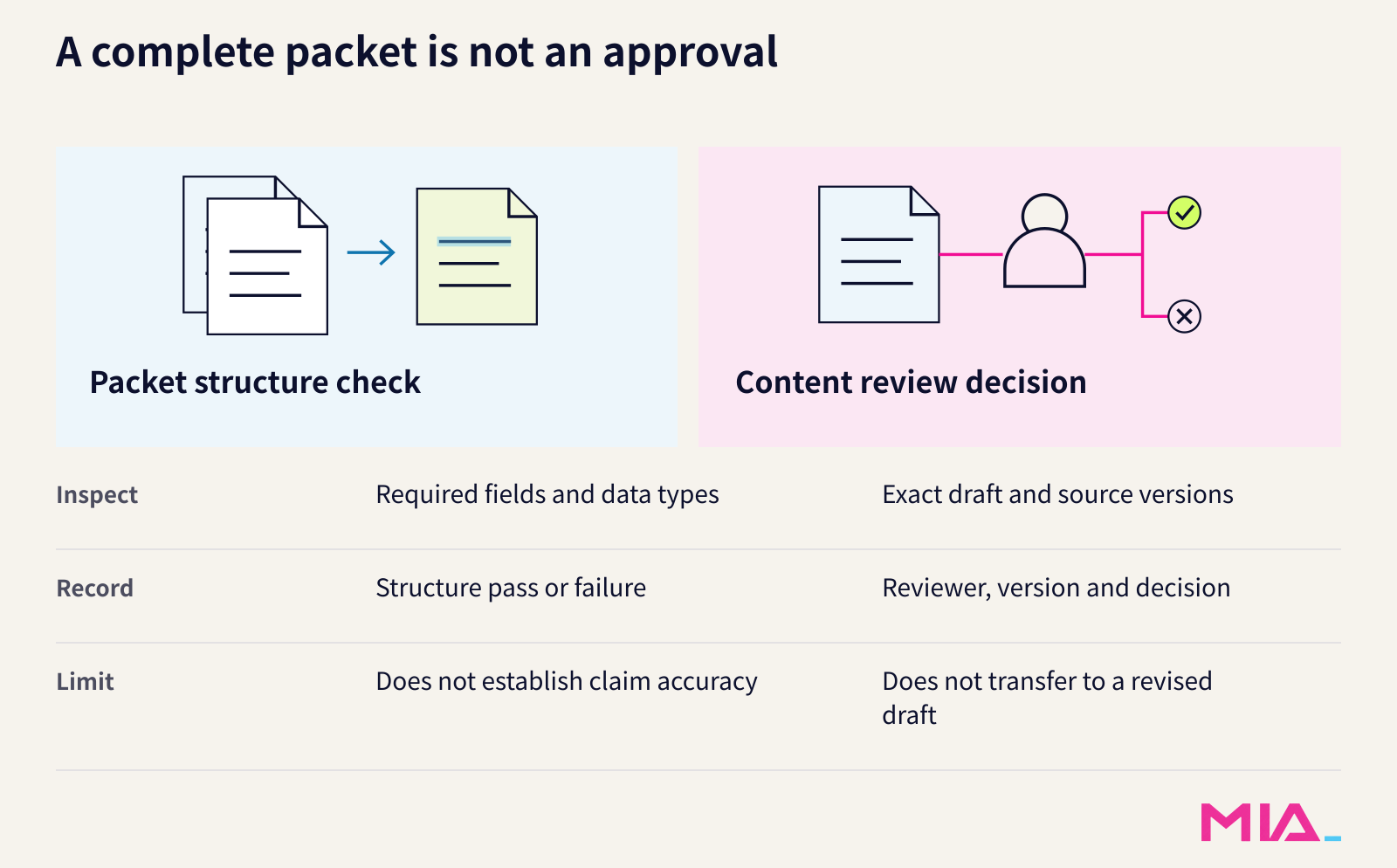 Claude Platform traces are not content approvalWhat marketing teams should require alongside Claude Platform traces: source evidence, a reviewed draft version and controls for client materials.
 AI brief: OpenAI’s voice model successors and Vercel’s MCP Events betaOpenAI documents GPT-Live-1.1 and Quip, while Vercel adds event subscriptions for compatible MCP servers in public beta.
See how MIA carries the brief through Insight, Cowork and IQ.
The constraint set described here is what MIA IQ holds between tasks.